1
"Do I need a VPN in China?"
Not necessarily to be honest. But if you rely heavily on Google services, WhatsApp, Instagram, Facebook, or other services that may not be directly accessible from mainland China, it's worth planning your internet access before you arrive.
2
What's Blocked in China?
China's internet filter (called the "Great Firewall") blocks thousands of foreign websites and apps. Here's what you need to know:
🚫 Blocked — doesn't work without a VPN
🔍 Google Search
📧 Gmail
▶️ YouTube
📸 Instagram
💬 WhatsApp
📘 Facebook
🐦 Twitter/X
👻 Snapchat
🎵 Spotify
🎬 Netflix
🗺️ Google Maps
🤖 ChatGPT
💼 LinkedIn
📰 BBC / NYT
✅ Works fine — no VPN needed
💬 WeChat
💳 Alipay
🗺️ Amap
🚗 Didi
🍽️ Dianping
🚄 Trip.com
🍎 iMessage
📱 Apple Maps
✈️ Booking.com
📺 TikTok (Chinese ver)
💡 Honest Reality
Most of your day-to-day China life (maps, payments, food, transport) uses Chinese apps that work perfectly without a VPN. You'll only miss Instagram, WhatsApp, and Google. Once you're set up with the right apps, it's genuinely fine.
2
Which VPN Actually Works in China?
A VPN stands for a virtual private network, what it's essentially doing is tricking the system. For example, when i set my location to the U.S. (while I am in China), I can access everything I would be able to access when I in the U.S..
ExpressVPN — Most reliable in China RECOMMENDED
Consistently works in China even during politically sensitive periods. Servers in Hong Kong, Japan, Singapore are fastest for China. ~$8–13/month. 30-day money-back guarantee.
✅ expressvpn.com — Download before you fly.
NordVPN — Great value, very reliable
Strong obfuscated servers that work well in China. Slightly slower than ExpressVPN but much cheaper on longer plans. ~$3–5/month on 2-year plans.
✅ nordvpn.com — Good budget option.
Surfshark — Best for multiple devices
Unlimited simultaneous connections make it a great choice if you're travelling with multiple devices or sharing with family. Fast, easy to use, and often one of the more affordable options on longer plans.
💡 surfshark.com — Good value if you want to protect multiple devices with one subscription.
⚠️ On Legality
VPN use by tourists in China is a legal grey area. Millions of foreign visitors use them every year without any issues. The Chinese government's enforcement focuses on VPN providers and businesses, not individual tourists using them for personal use. Use it sensibly — for personal browsing, not anything that would draw attention.
3
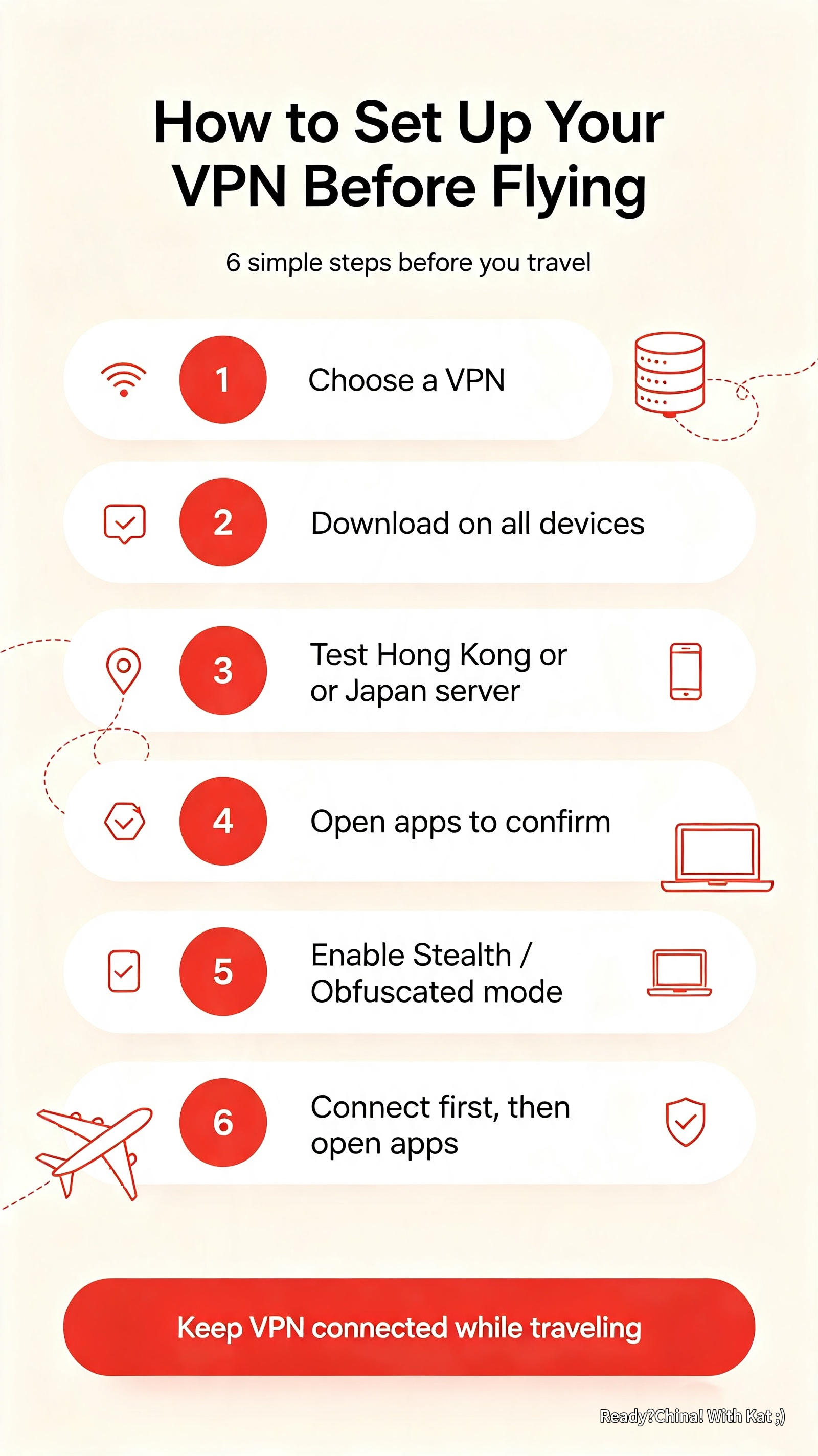
How to Set Up Your VPN Before Flying
- 1Choose a VPN (ExpressVPN or NordVPN recommended) and sign up on their website
- 2Download the app on ALL your devices — phone, tablet, laptop
- 3Connect to a Hong Kong or Japan server to test — these are fastest from China
- 4Open Google, Instagram, YouTube on your phone and your laptop (if you need to work on your laptop)— confirm everything works
- 5Look for the VPN's "Stealth" or "Obfuscated" mode — enable it. This makes VPN traffic harder for the firewall to detect.
- 6In China: connect to VPN → then open your apps. That's it. (you can always keep it open!)
💡 Backup Plan
Download 2–3 VPN apps. The firewall occasionally blocks specific VPN servers. If one stops working, switch to another. Having a backup takes 5 minutes now and saves a lot of frustration later.
✅ Last verified August 2026 by Kat — always double-check official sources before you travel.