1
How to Scan and Pay (Alipay)
- 1Open Alipay
- 2Tap the Scan (扫一扫) icon at the top of the home screen
- 3Point your camera at the vendor's QR code
- 4Enter the amount if prompted (or it auto-fills)
- 5Confirm with your fingerprint, face ID, or 6-digit PIN
- 6A green ✅ and a success sound confirms payment — show the screen to the vendor
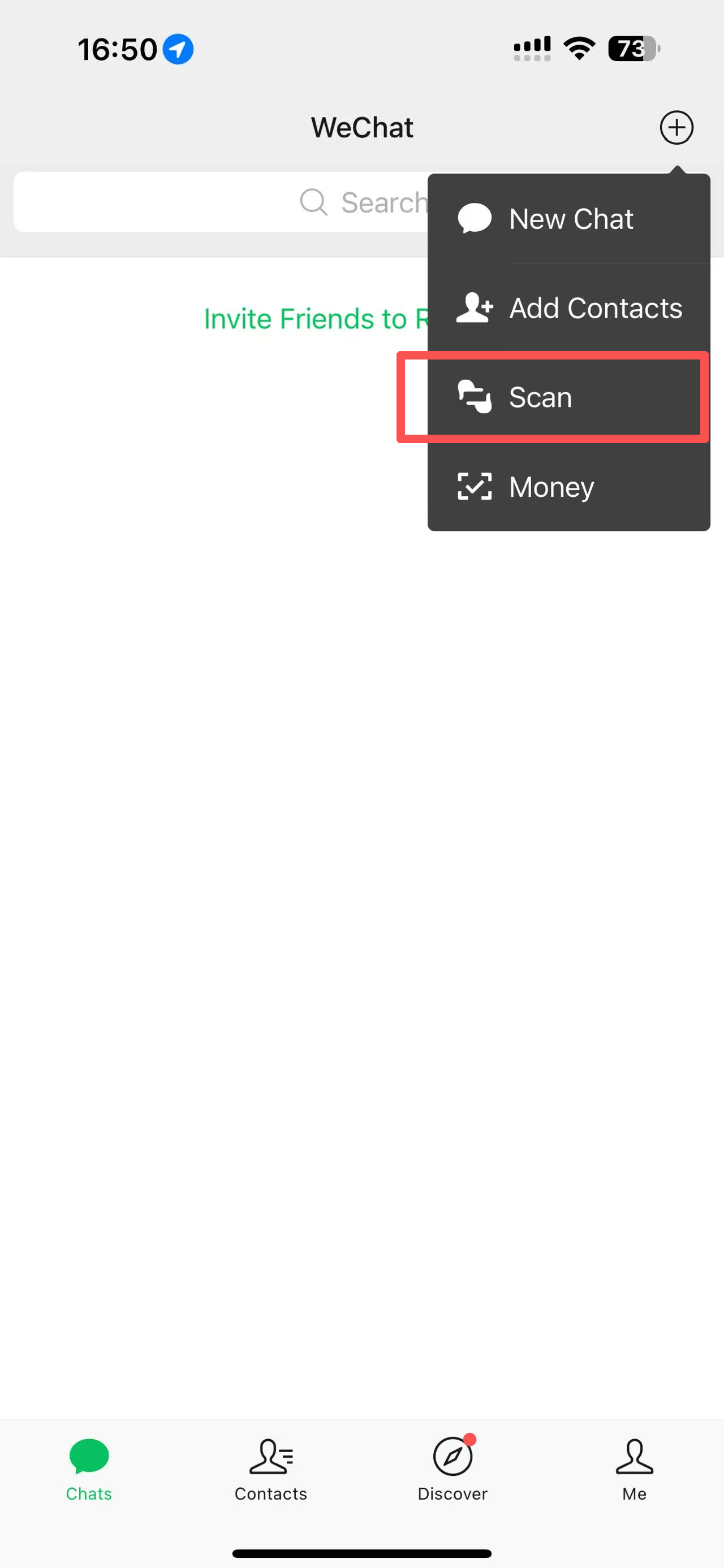
💡 WeChat Pay — Same Process
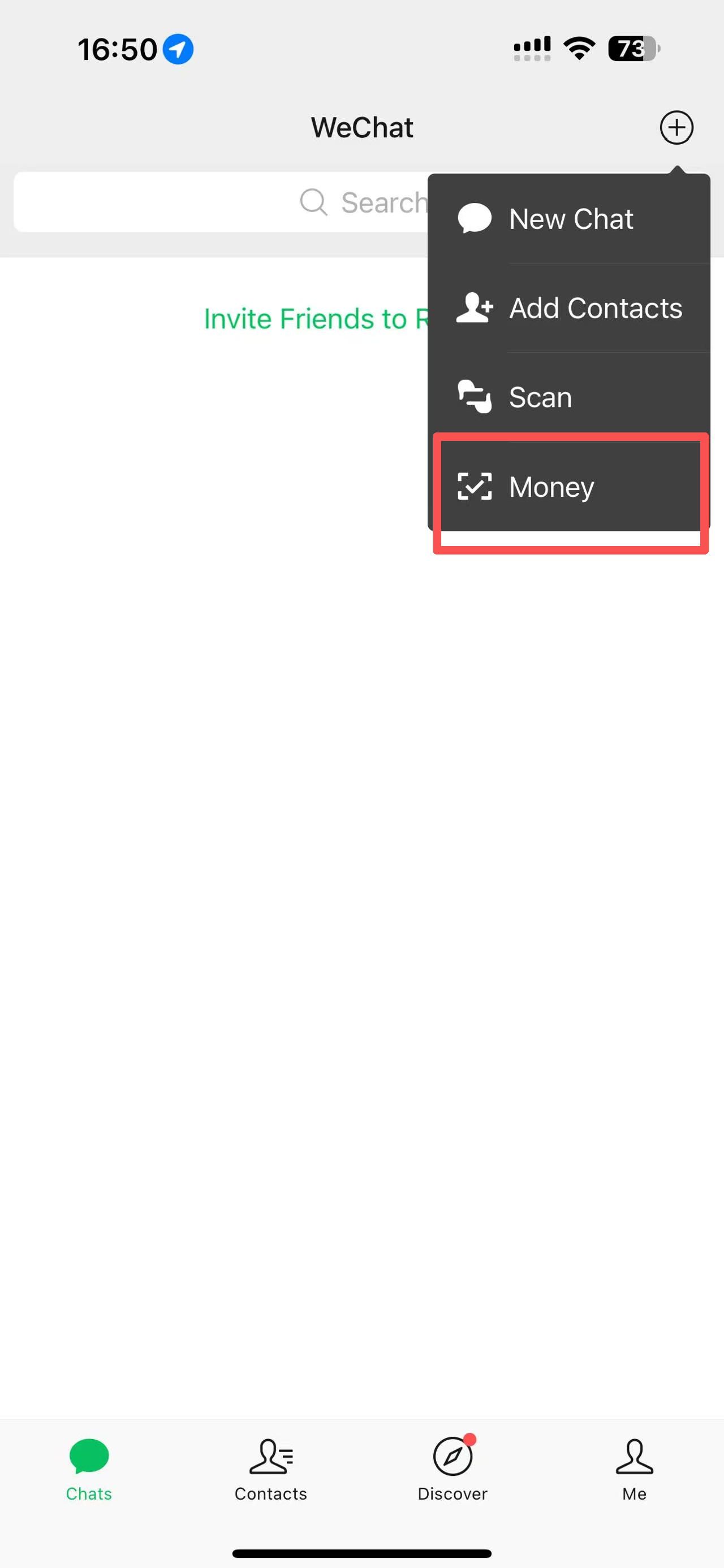
Open WeChat → tap + (top right) → Scan → point at code → confirm. Identical experience. Use whichever app you prefer — both work everywhere.