πŸ“Ά
Before You Fly Β· ζ‰‹ζœΊε‘

Best eSIM & SIM Card for China (2026)

The moment you land in China, you need data. Without it, you can't use Didi, Alipay, Amap, or WhatsApp your family that you arrived safely. This is not optional β€” sort it before you board.

⏱ 8 min readπŸ“… Updated September 2026βœ… Works without Chinese bank account
⚠️ One Rule: Sort This Before You Fly
You cannot download most eSIM apps once you're inside China (they're blocked by the firewall). Buy your eSIM at home, activate it on the plane, and hit the ground running. Or buy a physical SIM card
1

Compare Your Options

Disclosure: some links below are affiliate links β€” if you buy through them I may earn a small commission at no extra cost to you. I only recommend what I'd use myself.

OptionBest ForPrice (approx)DataNeeds Chinese Number?
eSIM β€” Airalo KAT'S PICK
Get Airalo eSIM β†’
Short trips (5–15 days), iPhone/modern Android ~$13–18 USD / 10GB / 30 days 5–20GB options No βœ…
eSIM β€” Nomad
Get Nomad eSIM β†’
Flexible data amounts, easy app ~$15–22 USD / 10GB / 30 days 3–20GB options No βœ…
China Unicom Tourist SIM Longer stays (2+ weeks), need Chinese number ~Β₯80–150 / 20–50GB / 30 days 20–100GB options Yes (you get one) βœ…
China Mobile SIM (at airport) Best nationwide coverage, long stays ~Β₯100–200 / 20–80GB / 30 days Best rural coverage Yes (you get one) βœ…
Pocket WiFi Group travel, no eSIM-compatible phone ~$4–6 USD/day rental Unlimited (shared) No βœ…
International Roaming Emergency backup only $10–20 USD/day (most carriers) Often limited No

2

How to Set Up an eSIM (Step by Step)

First: check if your phone supports eSIM. Dial *#06# β€” if you see an "EID" number, you're compatible. Most iPhones from XS onwards and modern Android flagships support eSIM.

  1. 1Visit airalo.com (or download the Airalo app) on your home Wi-Fi
  2. 2Search for "China" and select a plan β€” 10GB for 30 days is plenty for most trips
  3. 3Purchase with your international card and receive a QR code by email
  4. 4Go to your phone Settings β†’ Mobile Data β†’ Add eSIM β†’ Scan QR code
  5. 5Label it "China" and set it as your data SIM (keep your home SIM for calls if needed)
  6. 6On the plane, switch to the China eSIM β€” it activates automatically when you land
πŸ’‘ Pro Tip
Buy the eSIM 1–2 days before flying. Test that the QR code installs correctly while you still have home Wi-Fi. If there's a problem, you have time to fix it.
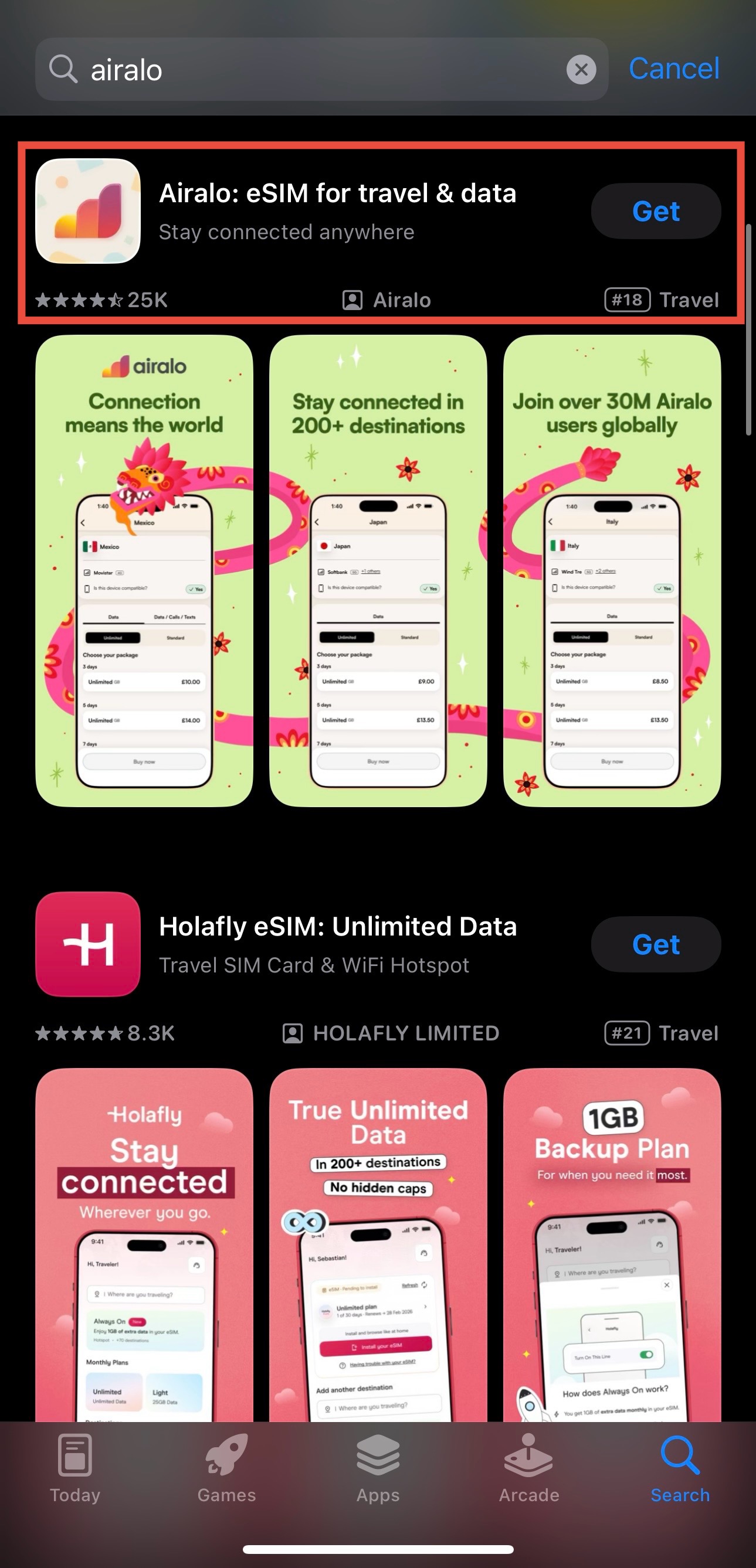
Airalo app β€” China eSIM purchase

3

Getting a Physical SIM at the Airport

If you prefer a physical SIM for queuing for restaurants or ordering food in meituanβ€” or if your phone doesn't support eSIM β€” head to the carrier counters in the arrivals hall. China Mobile has the best nationwide coverage. China Unicom and China Telecom are also good in cities.

  1. 1Clear immigration and collect your luggage first
  2. 2Find the China Mobile / Unicom / Telecom counter in arrivals (all major airports have them)
  3. 3Show your passport β€” legally required to register a Chinese SIM
  4. 4Choose a tourist package β€” 20GB for 30 days is a standard option (~Β₯100)
  5. 5Staff will insert the SIM and help you activate it β€” they're used to foreign tourists
⚠️ Why a Chinese Number Matters
If you're staying 2+ weeks, a Chinese SIM number is useful for: ordering food in meituan app (similar to Uber Eats) , receiving SMS codes from hotels, booking some domestic services, and emergency use. eSIMs often don't give you a Chinese number.
China Mobile counter at Beijing Capital Airport

πŸ“Ά Get the Free China Connectivity Guide PDF

eSIM setup, VPN tips, and the apps you need β€” all in one printable PDF. Drop your email and download it instantly (no waiting for an email).

βœ… On its way!
No spam. I reply personally.
βœ… Last verified August 2026 by Kat β€” always double-check official sources before you travel.