✈️
Part 1: Set Up Didi Before You Fly
1
Download
Get Didi from App Store or Google Play
2
Register
Sign up with your phone number
3
Add Payment
Link Alipay or a card
4
Test
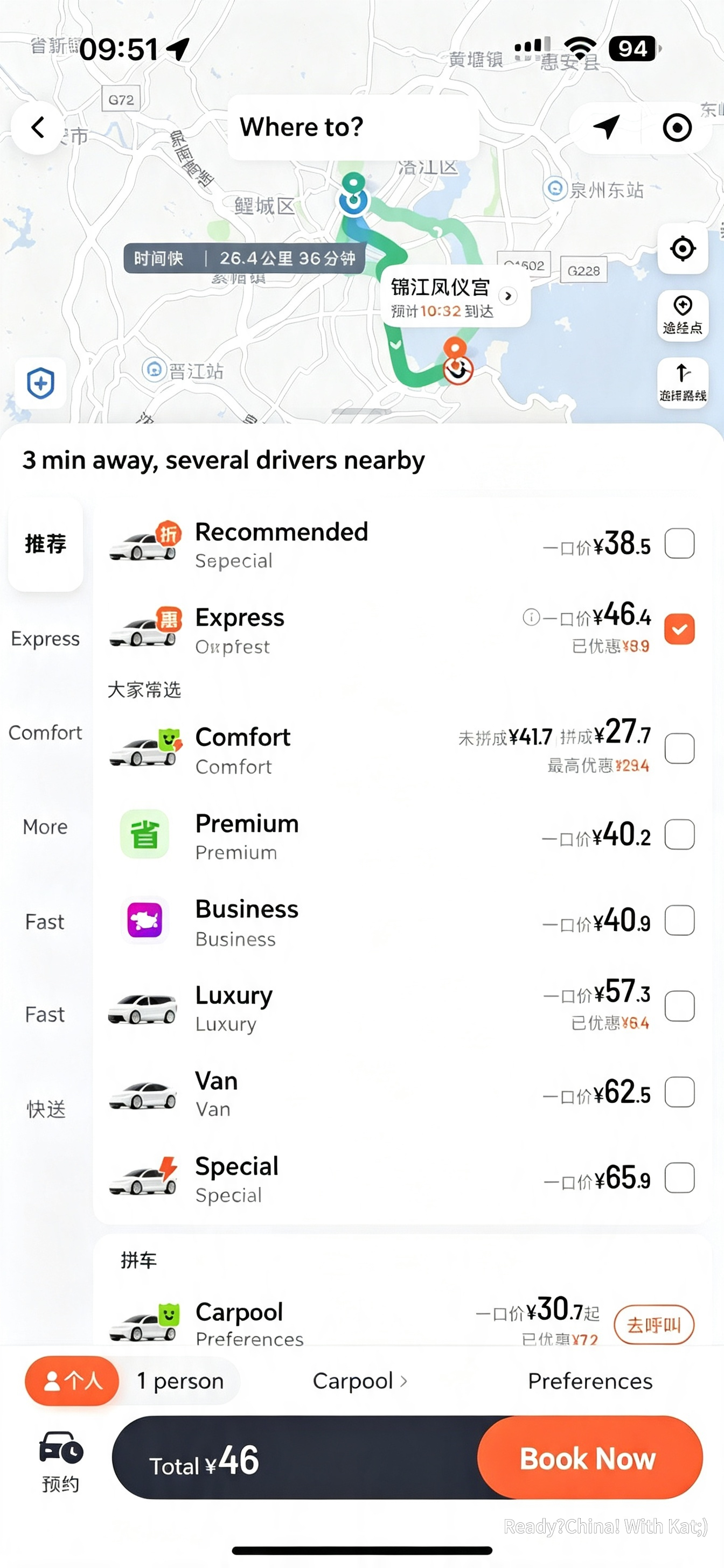
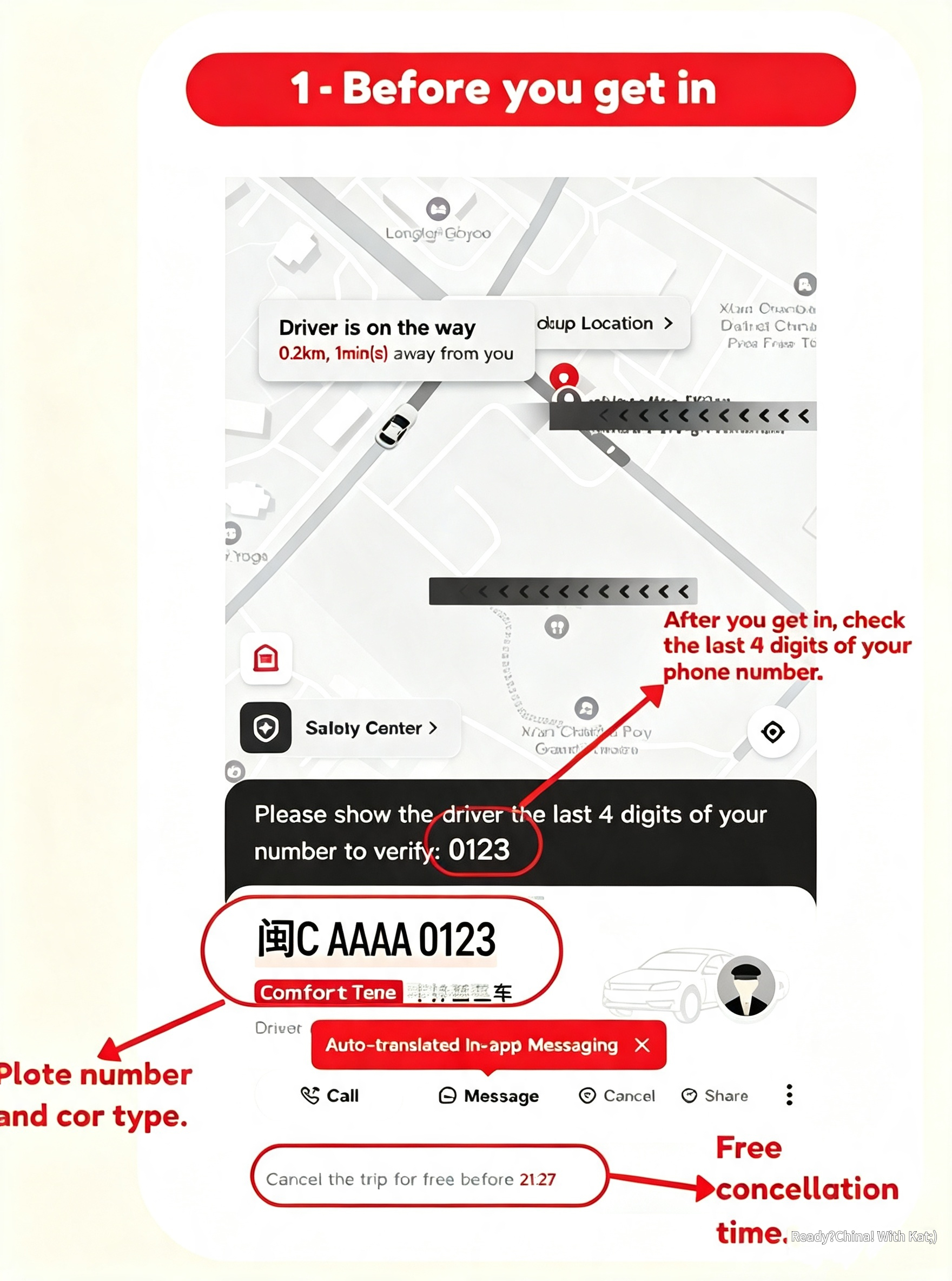
Try a trip on day one
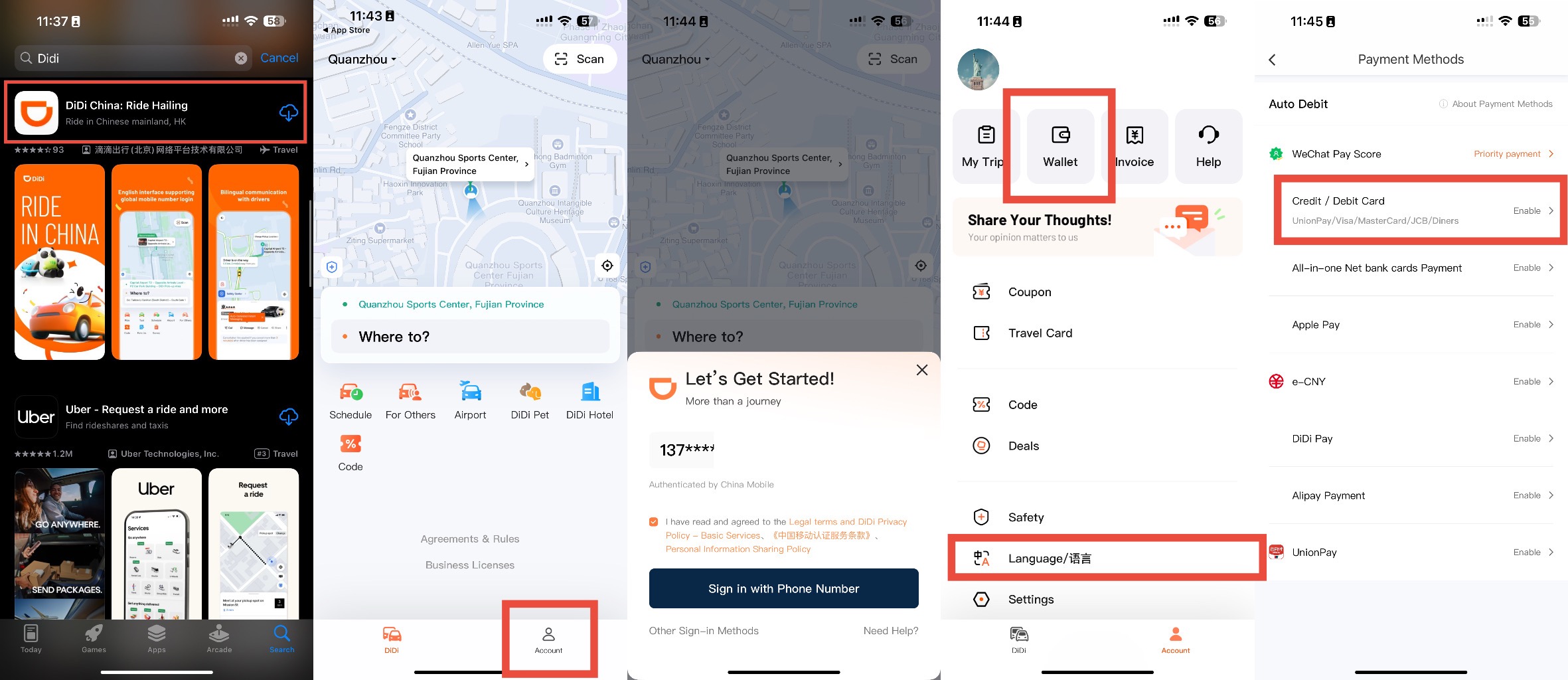
- 1Download Didi China from App Store or Google Play — search "DiDi" (two capital D's)
- 2Tap "Sign Up" and enter your international phone number with country code
- 3Enter the SMS code you receive and create a password
- 4Go to Me → Wallet → Add Payment Method
- 5Add Alipay (recommended) or a foreign credit card directly
- 6Set English as your app language: Me → Settings → Language → English
💡 Best Payment Setup
Link your Alipay account to Didi — it's the smoothest. If you haven't set up Alipay yet, do that first. International cards also work directly in Didi but Alipay is more reliable.